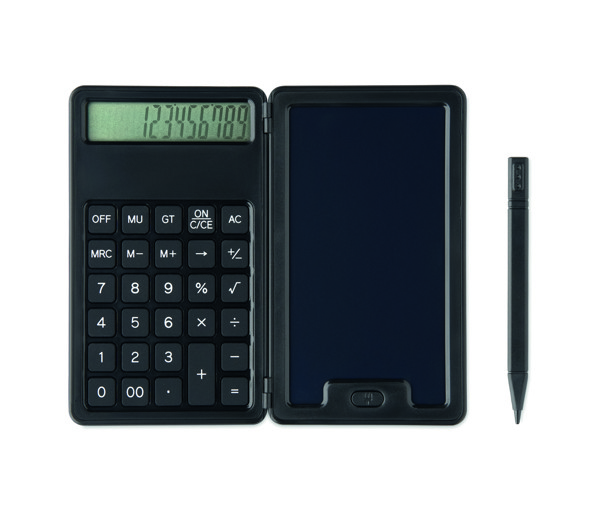
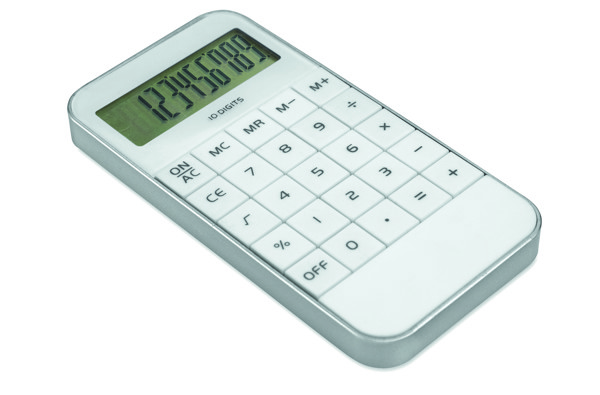
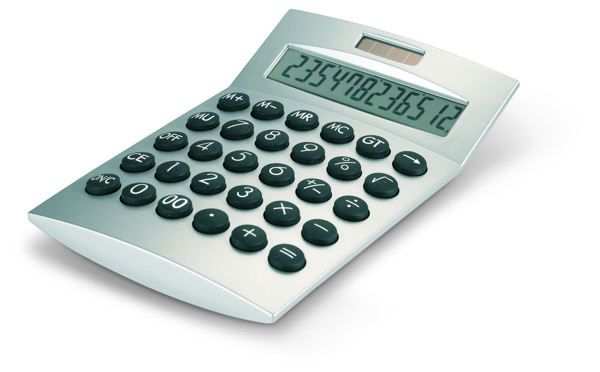
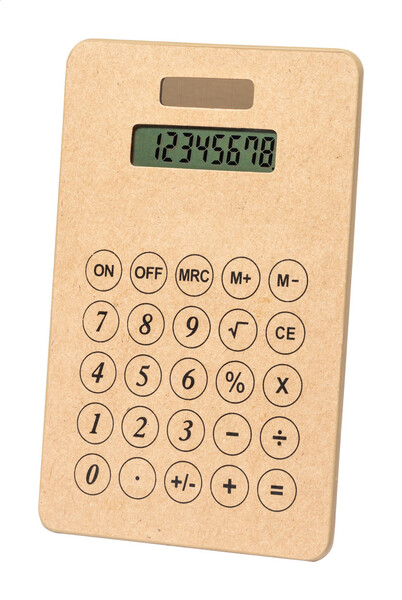
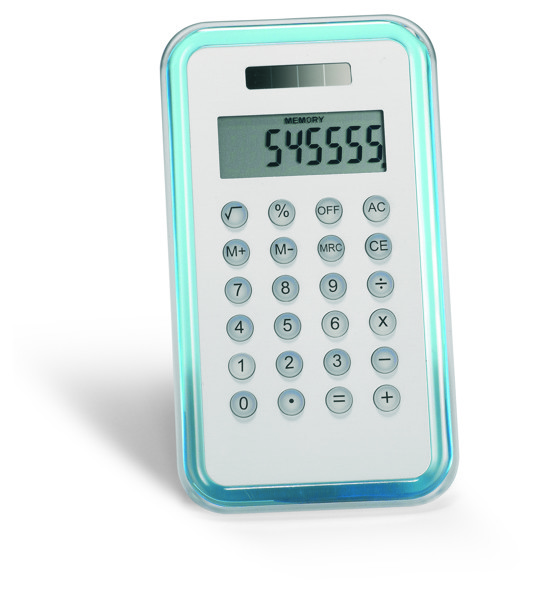
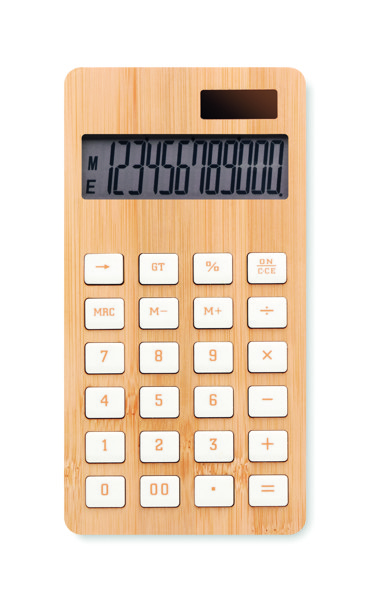
Promotional calculators with custom print are among corporate gifts that have a clear place in the office, accounting, reception and training sessions. They help with pricing, budgets and spreadsheets, and pair well with a notebook, document folders or a business office set. When choosing calculators, it is worth focusing mainly on a clear display, reliable buttons, suitable power supply and space for your logo. A discreet print away from the controls looks professional and does not limit comfortable use.
More about office calculatorsHide expanded text
A well-chosen calculator is a practical B2B gift for accounting departments, administration, sales teams, schools and courses focused on working with numbers. A pocket model is ideal for training materials and travel folders, while a larger desktop calculator stands out better on a desk or reception counter. For a more complete set, you can combine it with an office set. The overall impression depends on a simple combination: a clear display, comfortable buttons, a solid body and a logo placed where it is visible but does not get in the way.
Clear display
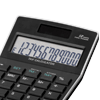
With a calculator, it is important that numbers are easy to read even in weaker light on the desk. Larger digits, good contrast and a sensible display angle speed up work with prices, line items and subtotals. The number of functions matters mainly when it matches how the calculator will be used.
Buttons and stability on the desk
A comfortable button response is appreciated by anyone entering amounts repeatedly throughout the day. A non-slip base helps keep the calculator from sliding around the desk. Solar power is useful in a bright office, while batteries are a safer choice for meeting rooms, warehouses or training sessions.
Pocket or desktop format
Pocket calculators are suitable for courses, trade shows and document packs. Desktop calculators look more premium in accounting, at reception or in offices where they stay in one place. For larger company orders, it pays to choose a model that can handle transport and frequent handling well.
Where a logo looks best on a calculator
Branding should be visible, but it should not interfere with the display, buttons or other controls. It looks best on the top part of the body, cover or case of the calculator. A smaller, neatly placed logo often looks better than oversized graphics on a limited surface.
Frequently asked questions about calculators
Are desktop or pocket calculators better for a logo?
Desktop models usually offer a larger area for a logo and look more representative. Pocket calculators are more practical for training, trade shows and document packs.
Where is branding usually placed on a calculator?
Most often on the top of the body, the cover or the case. The logo should stay away from the display and buttons so the calculator remains comfortable to use.
Are calculators a suitable gift for training sessions?
Yes, especially for courses, business meetings and internal training where prices, budgets or spreadsheets are used.

























































































 Čeština
 EUR
EUR