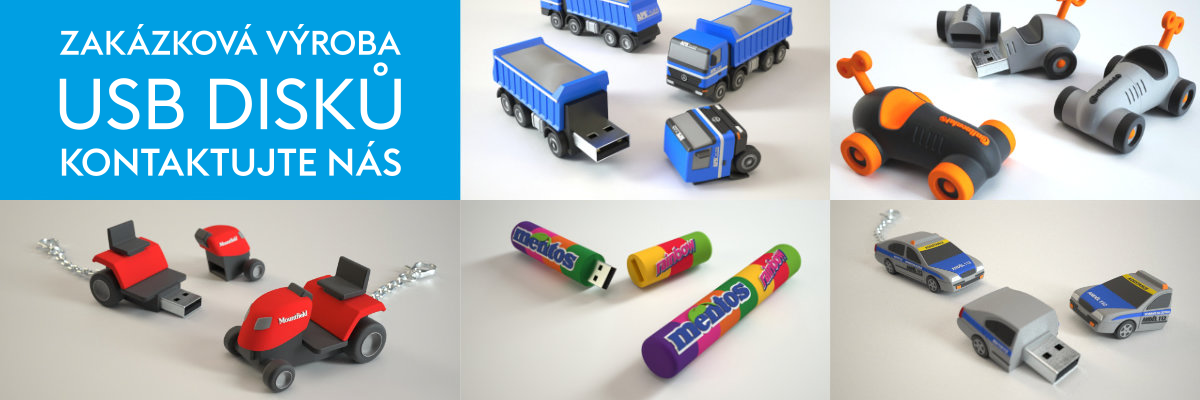
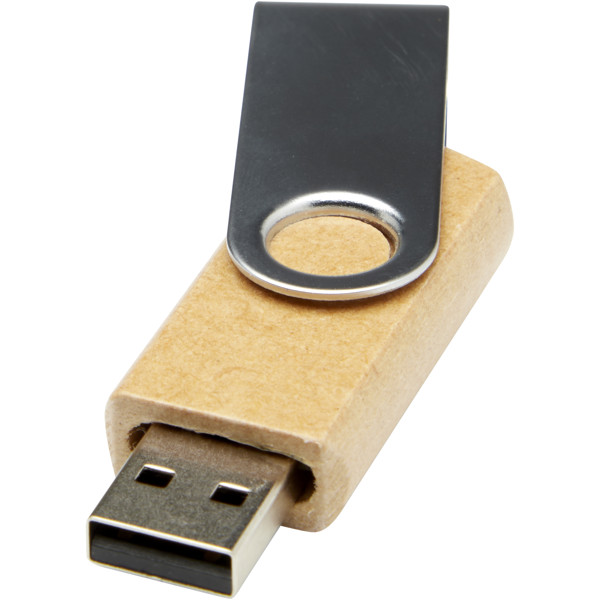
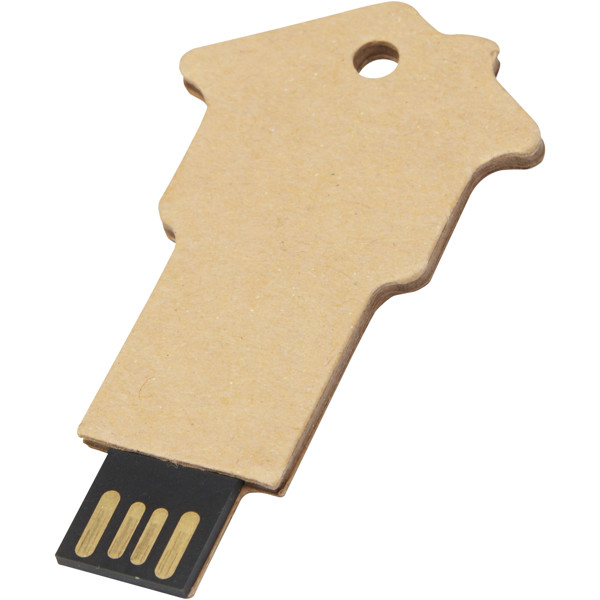
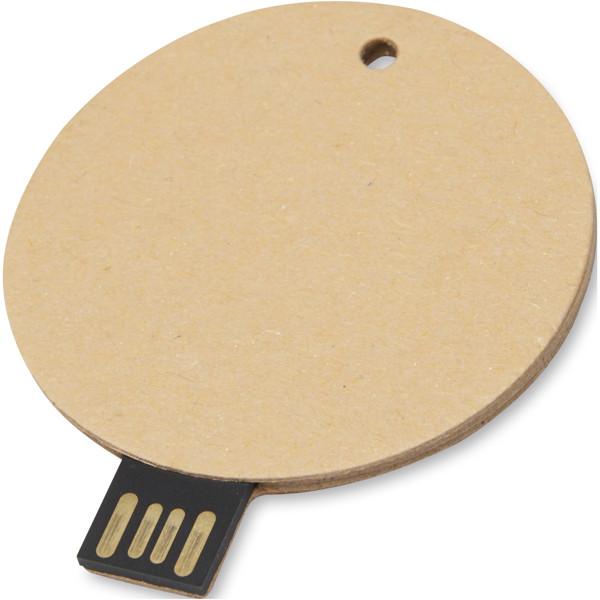
Branded USB flash drives with custom printing are a practical corporate gift for presentations, trade shows, training sessions, press kits, and welcome packs for new employees. You can hand out a catalogue, video, manual, or sales materials on them, while your logo stays right next to the content the recipient has at hand. The range includes USB flash drives by capacity, USB-A or USB-C connector, material, speed, packaging, and the option to preload data. You can explore printing and laser engraving in the overview of printing methods. Other useful additions to your company tech kit include USB accessories, USB hubs, computer accessories, and power banks.
More about USB flash drivesHide extended text
A USB stick with a logo can be both a discreet work tool and a stylish part of a gift set. For a sales team, a compact model with a presentation works well; for a conference, a larger batch with a clearly visible logo; and for a premium pack, a metal or wooden version in a box. The key is to match the capacity, connector, and look to the content you are sharing on the drive.
Capacity based on file type
For PDF catalogues, price lists, and standard presentations, a smaller capacity is enough. Product videos, high-resolution photos, training materials, or software need more space. If the recipient will continue using the USB drive, it is worth leaving them some free reserve.
Connector for your audience
USB-A remains a safe choice for office computers, reception areas, schools, and older laptops. USB-C appeals to users of modern laptops, tablets, and technical devices. For conferences and training sessions, choose mainly according to the devices participants will use to open the files.
Files ready to hand out
Selected USB flash drives can be supplied with a preloaded catalogue, manual, presentation, product sheets, or a set of onboarding documents. Clear file names and a simple folder structure help recipients quickly find what matters.
Material, packaging, and branding
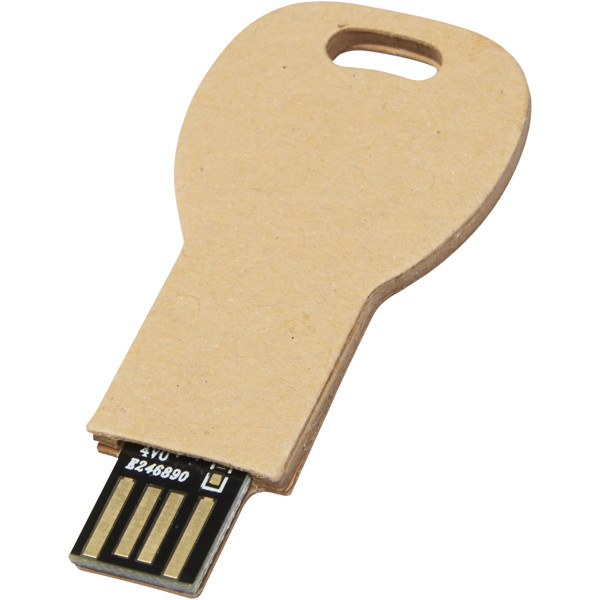
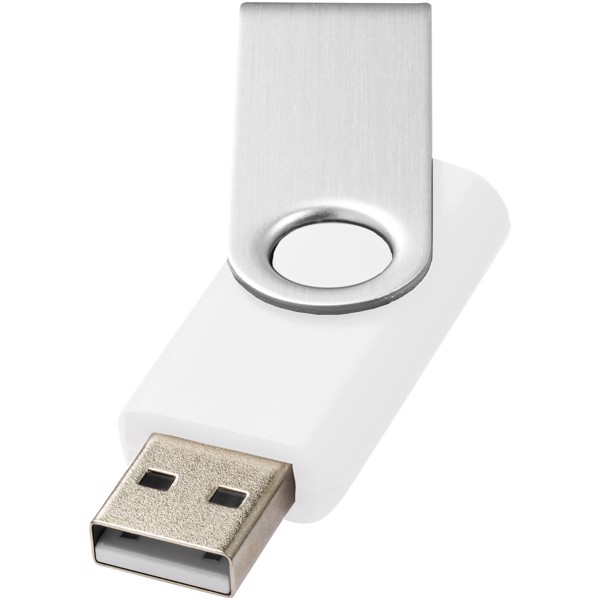
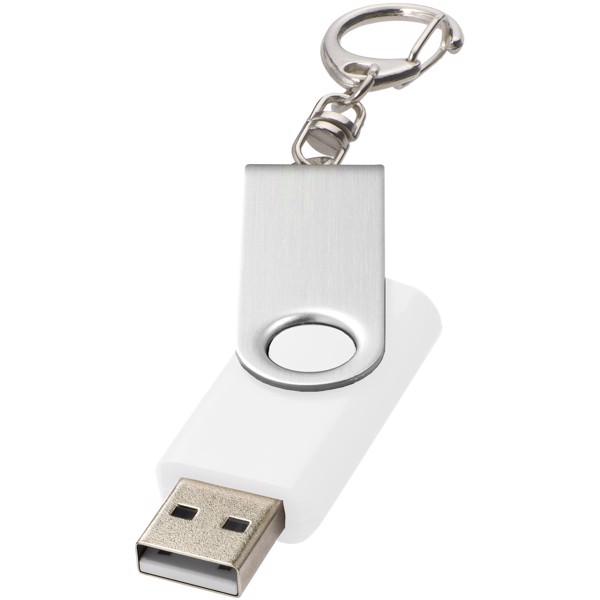
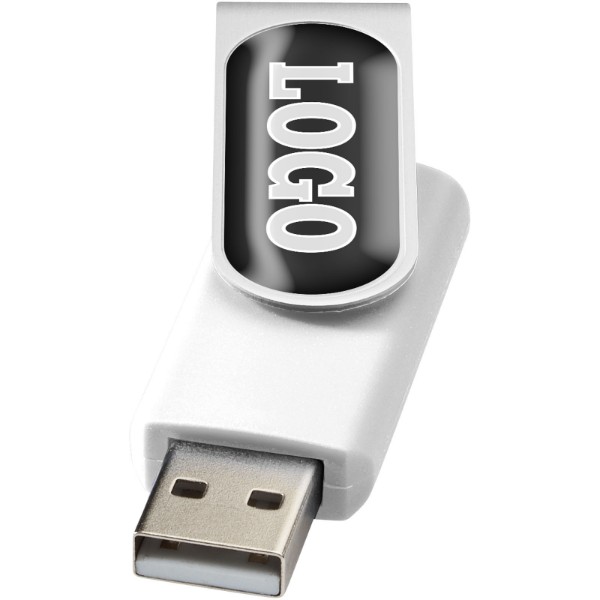
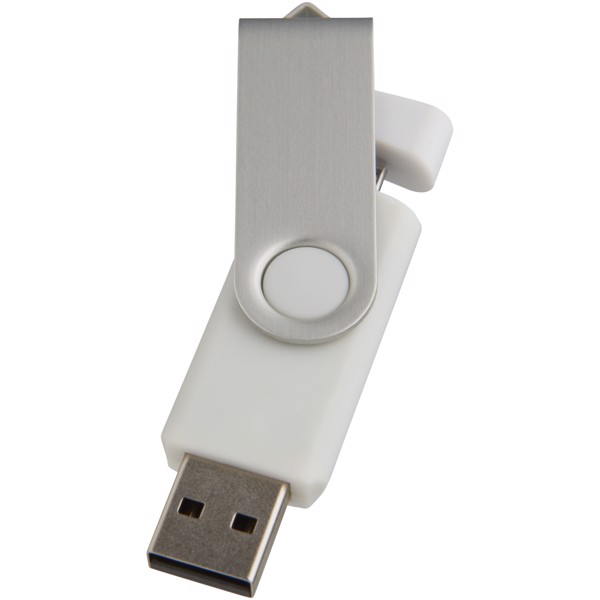
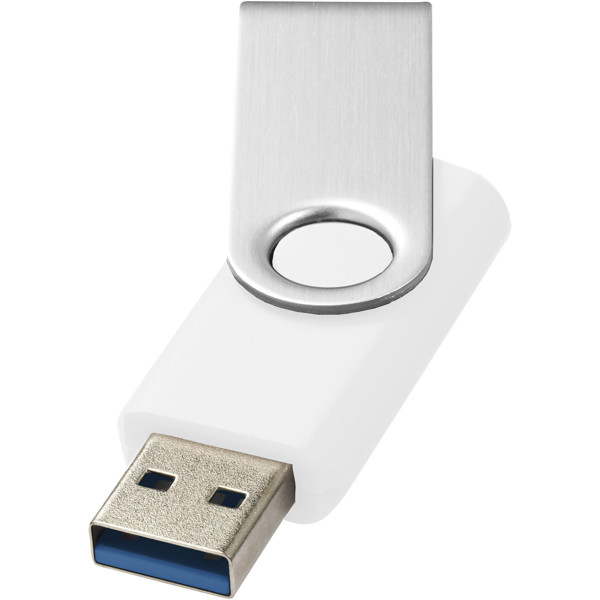
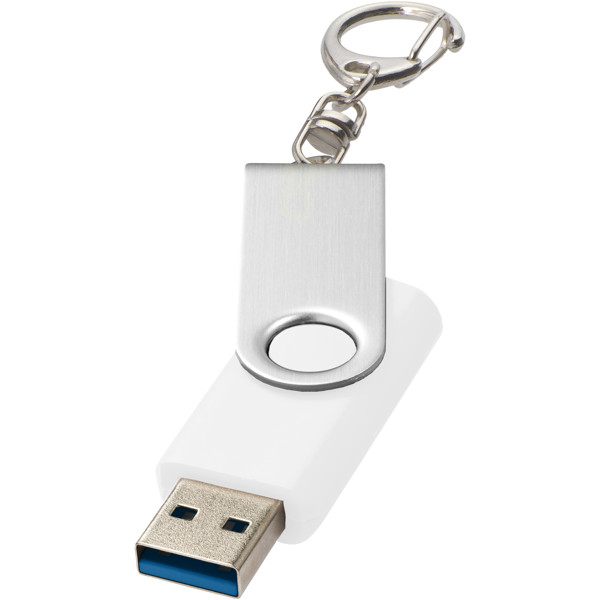
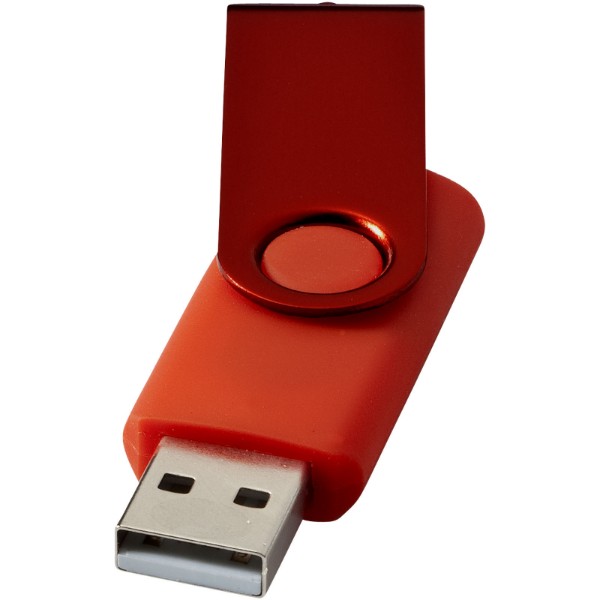
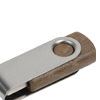
Metal USB sticks look professional and pair well with laser engraving. Plastic models offer stronger colours and a more budget-friendly price for larger quantities. Wood feels natural and pleasant. A pouch or box turns a USB drive into a ready-made gift.
FAQ about USB flash drives
What capacity should I choose for catalogues and presentations?
For standard PDFs and presentations, a smaller capacity is enough. For videos, photos, and software, choose a larger reserve.
Can USB flash drives be supplied with preloaded data?
Yes, selected models can be supplied with files preloaded. Ready-made materials with clear file names work best.
Is USB-A or USB-C better for a corporate event?
USB-A is more universal for a broad audience. USB-C is ideal for modern laptops, tablets, and technology-focused events.
When should I choose laser engraving instead of printing?
Engraving is especially suitable for metal USB drives. It looks clean, is durable, and suits a premium gift well.





















































 Čeština
 EUR
EUR