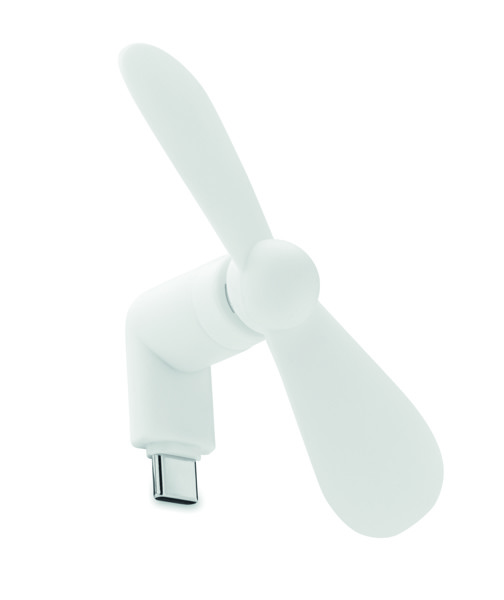
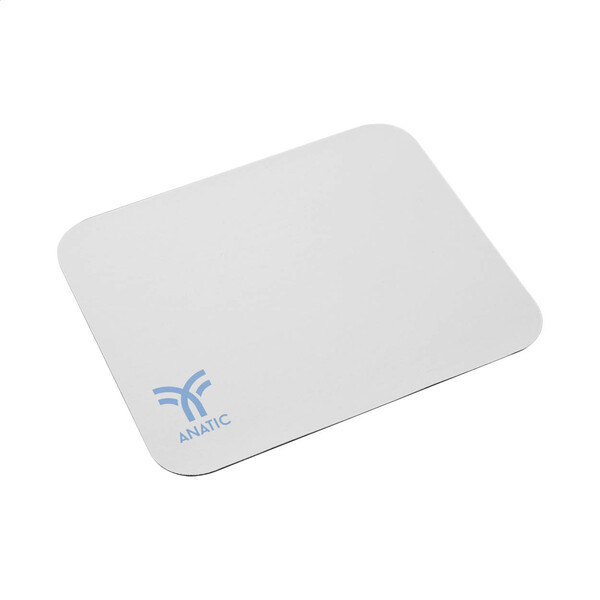
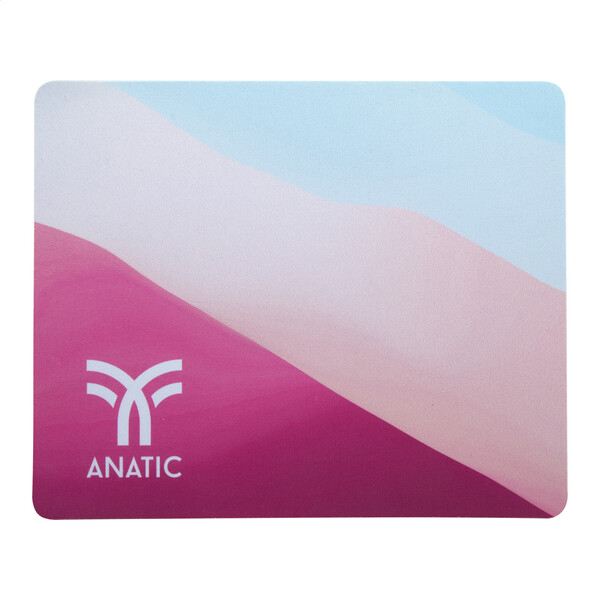
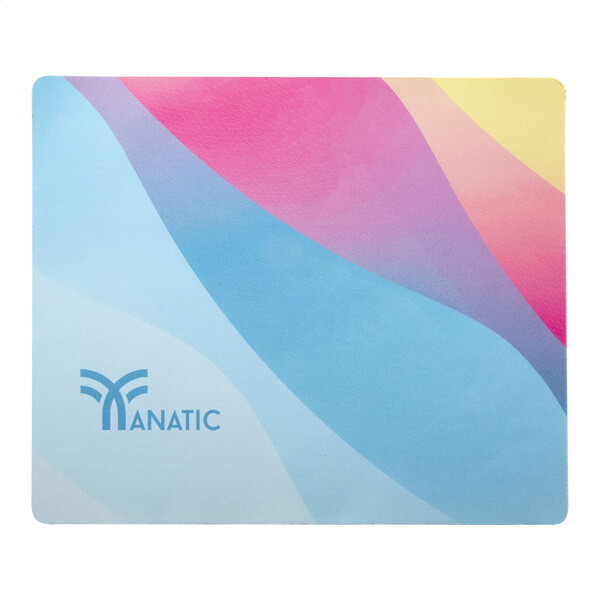
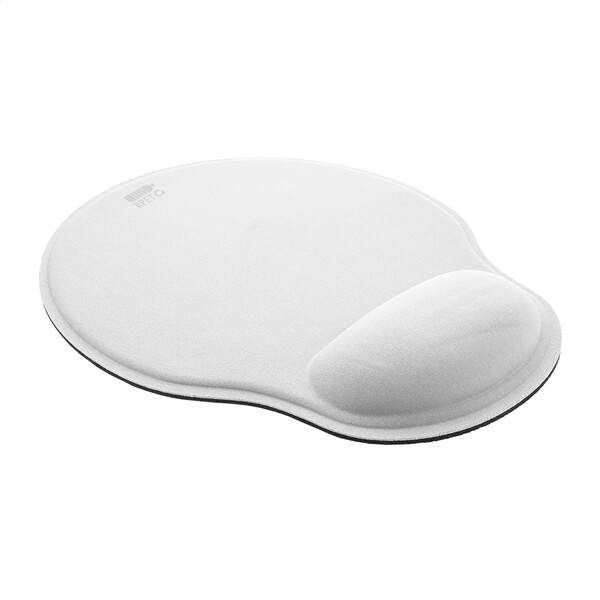
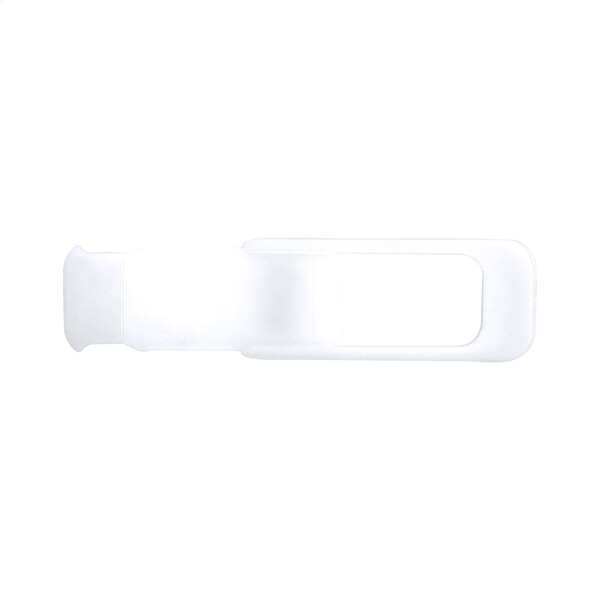
Custom printed computer accessories are a corporate gift that won’t end up forgotten in a drawer. Mice, keyboards, mouse pads, USB hubs, adapters and branded cables are useful at the desk, in the home office and during presentations. They keep your brand visible in a subtle but frequent way. With tech products, it is important to watch the connectors, compatibility and space for the logo. For printing and engraving, see the overview of branding methods. If you already know what you need, go straight to mice and keyboards, mouse pads, USB hubs or cables.
More about computer accessoriesHide expanded text
Promotional computer accessories are a great fit for onboarding packs, conferences, sales teams and practical client gifts. They work well wherever people use a laptop, move between the office and meetings, or want a more comfortable workspace at home.
Desk essentials for the office and home office
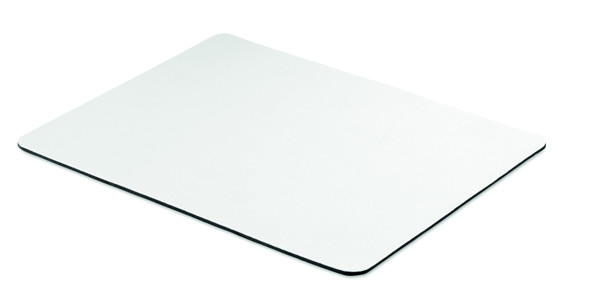
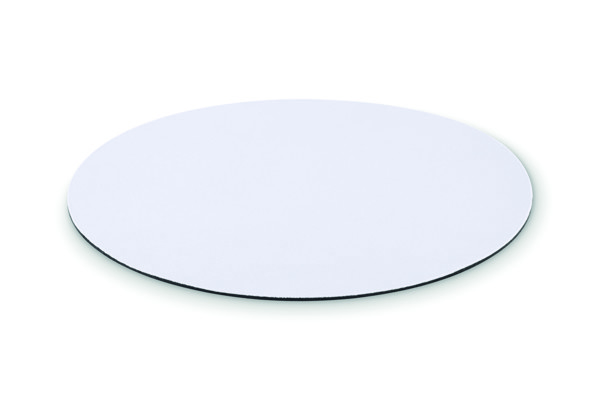
Mouse pads, mice and keyboards are among the accessories users keep in sight all the time. The logo is not flashy here, but it becomes part of everyday work, which is a big advantage for a corporate gift.
Connectors without unpleasant surprises
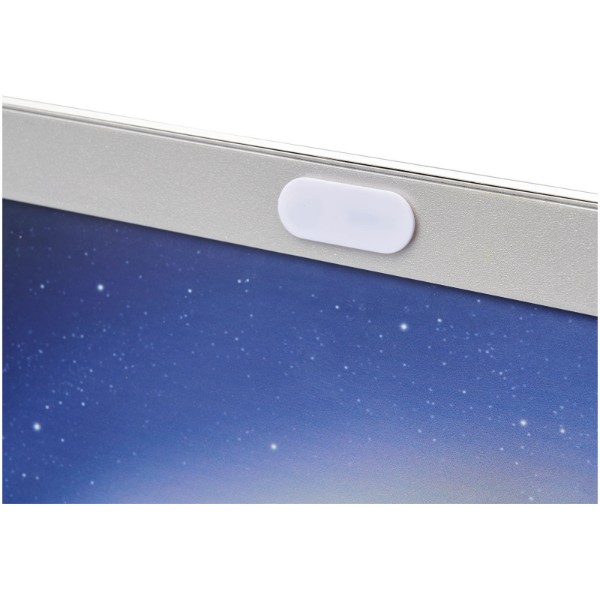
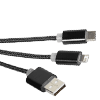
With USB hubs, adapters and cables, it pays to match the selection to company laptops, monitors and phones. The most common considerations are USB-C, USB-A, HDMI and cable length based on how the item will be used.
Branding on tech should look clean
Printing or engraving should be clear, durable and placed so it does not interfere with ports, buttons or grip. On smaller products, a discreet logo on the body or packaging often looks best.
Starter packs and event giveaways
Computer accessories can easily be combined into a coordinated set. A mouse, pad, hub and cable create a practical bundle for new colleagues, training participants or clients after a business meeting.
Frequently asked questions about computer accessories
Which PC accessories are suitable for employees with laptops?
Most often a mouse, mouse pad, USB hub, adapter and cable. They help in the office, at home and when working on the go.
How do you choose a USB hub for company laptops?
Check the connector types used in the company and the required outputs. For newer devices, USB-C and HDMI are usually the key ones.
Is printing or engraving better for computer accessories?
It depends on the material and the available area. Plastic often works well with printing, while metal parts may look better with engraving.
Can a matching set of computer accessories with a logo be prepared?
Yes, you can match the products by color, material and branding style. The result is a cohesive bundle for employees or an event.













































 Čeština
 EUR
EUR