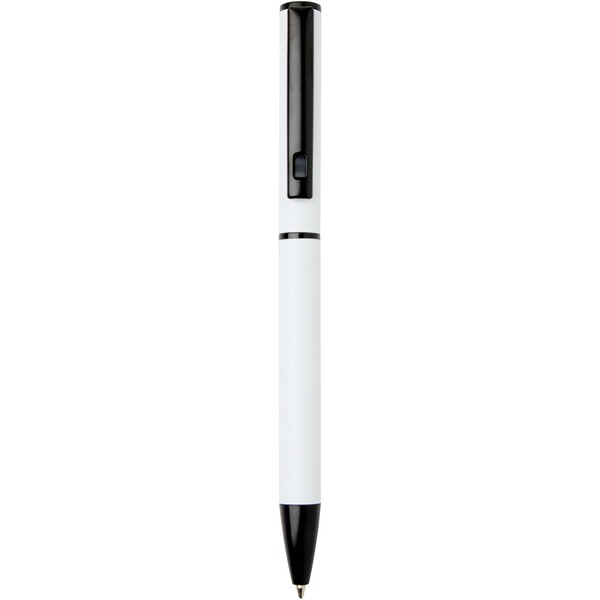
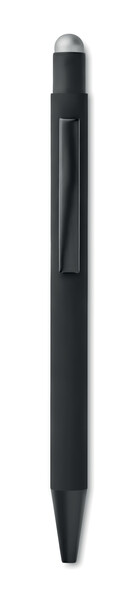
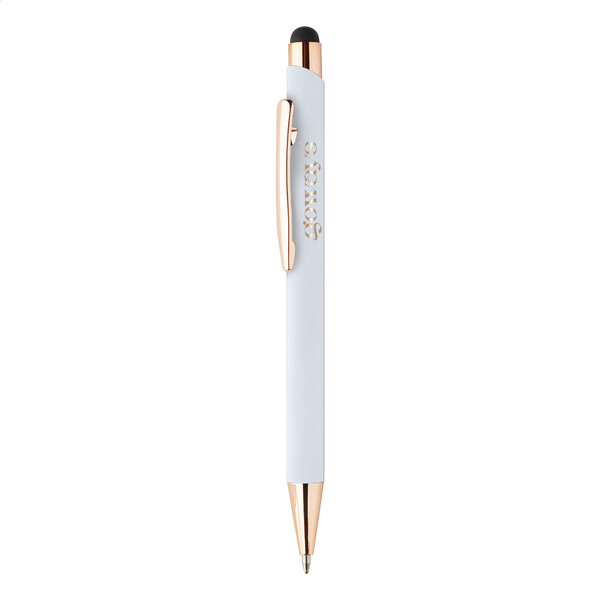
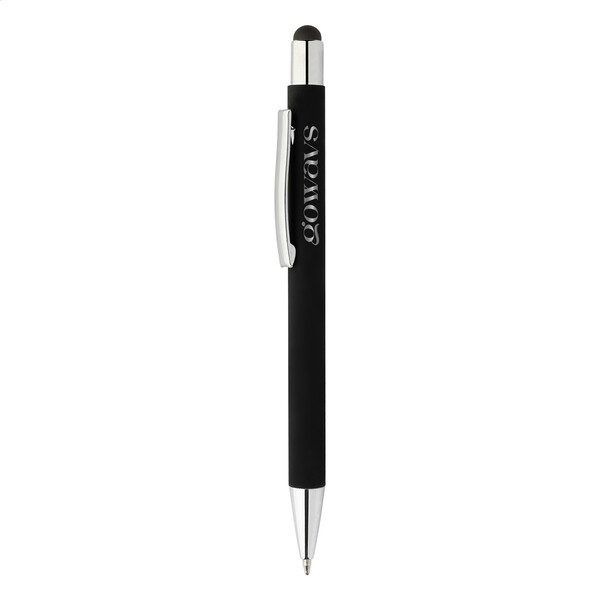
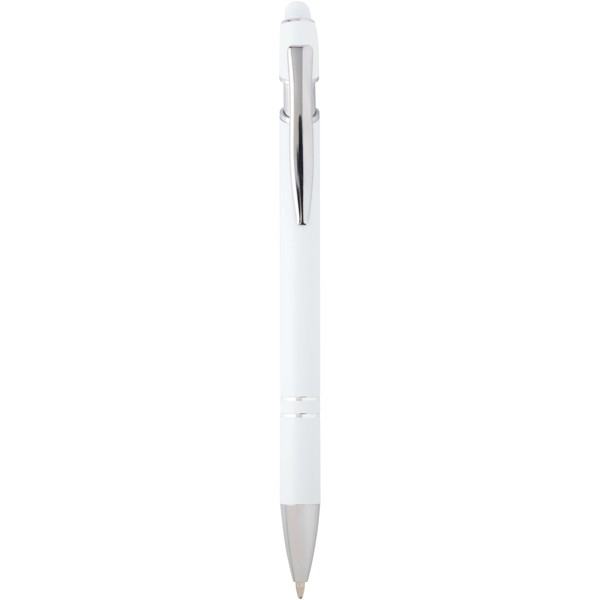
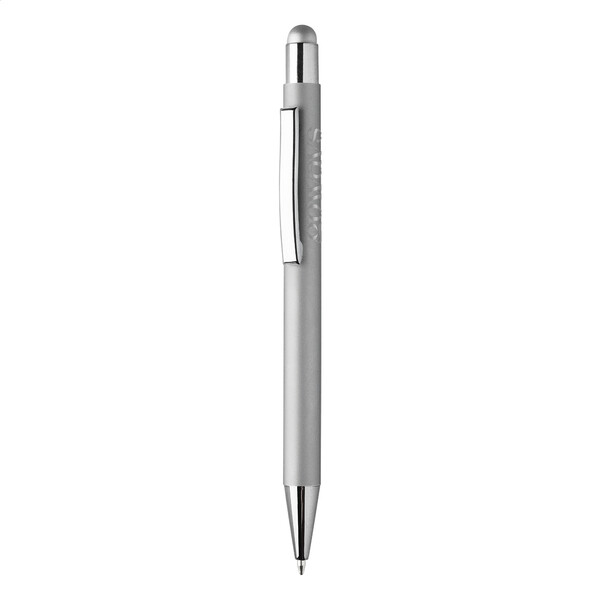
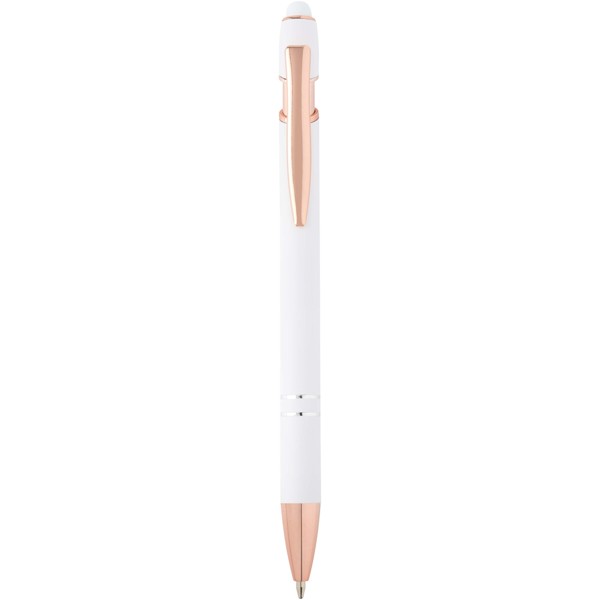
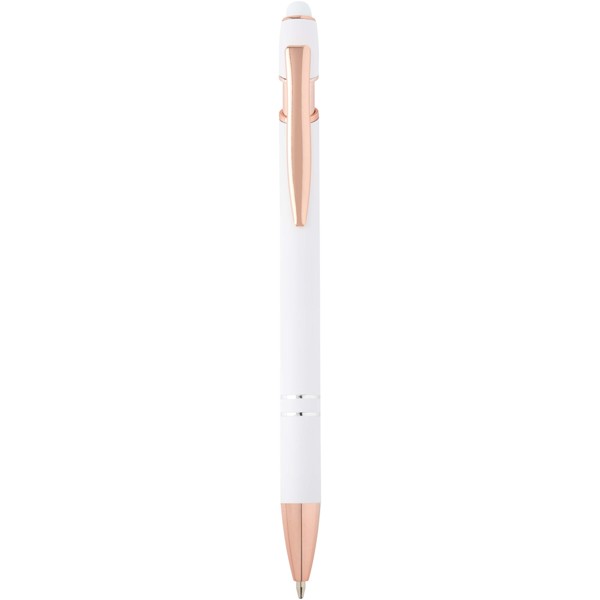
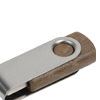
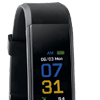
Touchscreen pens with a logo combine a classic ballpoint pen and a simple stylus for a phone, tablet or signature display. They are ideal for receptions, business meetings, training sessions, trade shows and digital services where a customer fills in a form, signs a document or works in an app. In a corporate bundle, they pair well with products from the technology and mobility, USB flash drives or power banks categories.
More about stylus pensHide extended text
A stylus pen is a small promotional item that people can easily fit into their working day. They can jot down a note on paper, tap on a tablet screen, confirm a signature on a terminal or comfortably control a phone without searching for another tool. Unlike standard promotional pens, it adds a useful digital function. For branding, a logo, short web address or subtle engraving is most often used; you can find an overview of the options in the printing methods section.
A ballpoint pen with a stylus for every workday
Promotional pens with a stylus are appreciated by salespeople, technicians, reception teams and training participants. One pen can handle diary notes and screen control, so it stays close at hand on a desk, in a bag or by a work tablet.
Touch tip for phone, tablet and terminal
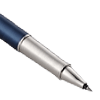
The soft capacitive tip helps operate a standard touchscreen more accurately and with fewer fingerprints. Metal models look premium as corporate gifts, while plastic stylus pens are suitable for conferences, promo events and trade shows.
Suitable for digital services and apps
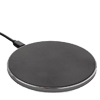
Touchscreen pens with a logo work well for customer apps, tablet forms, showrooms, signature displays and onboarding packs. They naturally complement accessories for mobile phones and tablets, charging cables, USB drives or power banks.
Printing or engraving on the pen body
On touchscreen pens, the branding area is usually smaller because of the clip and stylus tip. A simple logo without overly fine lines, a short URL or a subtle company mark works best. On dark metal pens, laser engraving often stands out nicely.
Frequently asked questions about touchscreen pens
Do stylus pens work on regular phones and tablets?
Yes, models with a capacitive tip work on most common touchscreen displays. For industrial devices, it is better to check the display type.
Which logo works best on a stylus pen?
A simple logo, short website or subtle inscription works best. Fine lines and long texts can be harder to read on a smaller surface.
Are metal or plastic stylus pens better as a corporate gift?
Metal pens look more premium for clients and partners. Plastic versions are suitable for larger giveaways at events.
Can a simple stylus replace an active tablet pen?
No. It is a capacitive stylus for regular screen operation, not an active pen for drawing or professional graphic work.















































































 Čeština
 EUR
EUR